Your PostShell license. One purchase, no subscription.
Bring email and messaging together, choose your AI and protect your local database with encryption and a password. One license includes every feature of the major version you purchase.
One license. Everything included.
Enjoy everything PostShell has to offer in one application. Every feature is included with your license.
- One-time purchase, no PostShell subscription
- One activated computer at a time, transferable
- Updates within the major version included
- Windows x64 and ARM64 depending on published builds
Your PostShell license
The full app. No subscription.
Applicable taxes are calculated at checkout.
AI providers may charge separately for their services.
Legal & terms ↗The tools included in your license
Explore each feature and its requirements before choosing PostShell.
- Multi-account email
Gmail and Microsoft email via OAuth, other IMAP / SMTP accounts, plus messaging tabs.
- AI email assistant
Summarize, write, search and give notifications a voice. Choose your models.
- Email automations
Wire up triggers, conditions and AI. Let your inbox follow your logic.
- Email writing and dictation
Dictation, rich text, HTML and an AI co-pilot. Your words, well equipped.
- Personalized email campaigns
Schedule an email or run a personalized campaign. Set the pace. Stay in control.
- Annotations and attachments
Annotations, file previews and PDF exports. More context, fewer open apps.
- Newsletter unsubscribe
Find the unsubscribe link without the footer archaeology.
What’s new with 1.2
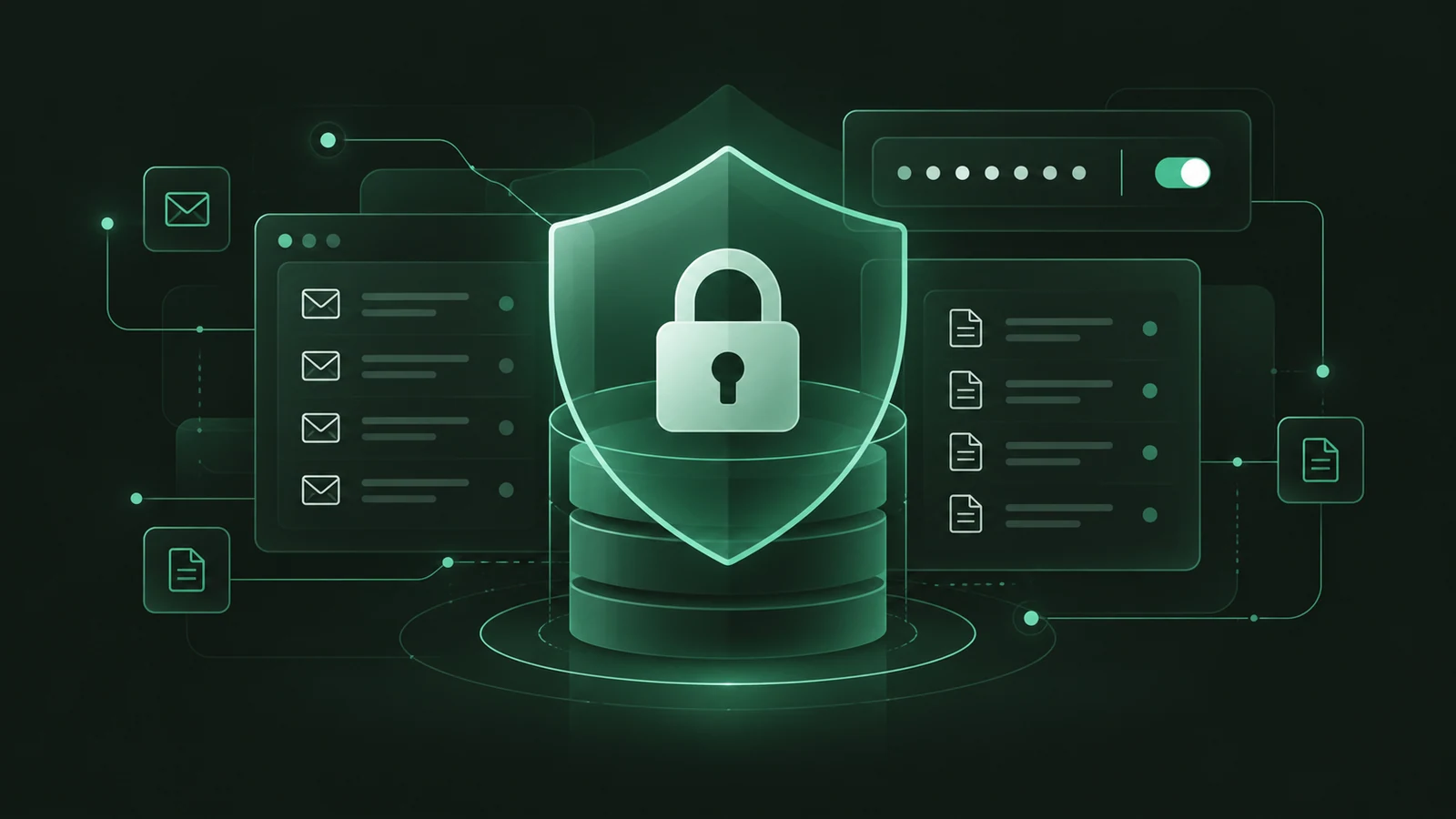
Your data. Your security.
Encrypt your entire local database and configure password lock: at startup, on demand or automatically. Encryption is optional.
Explore security settings ↗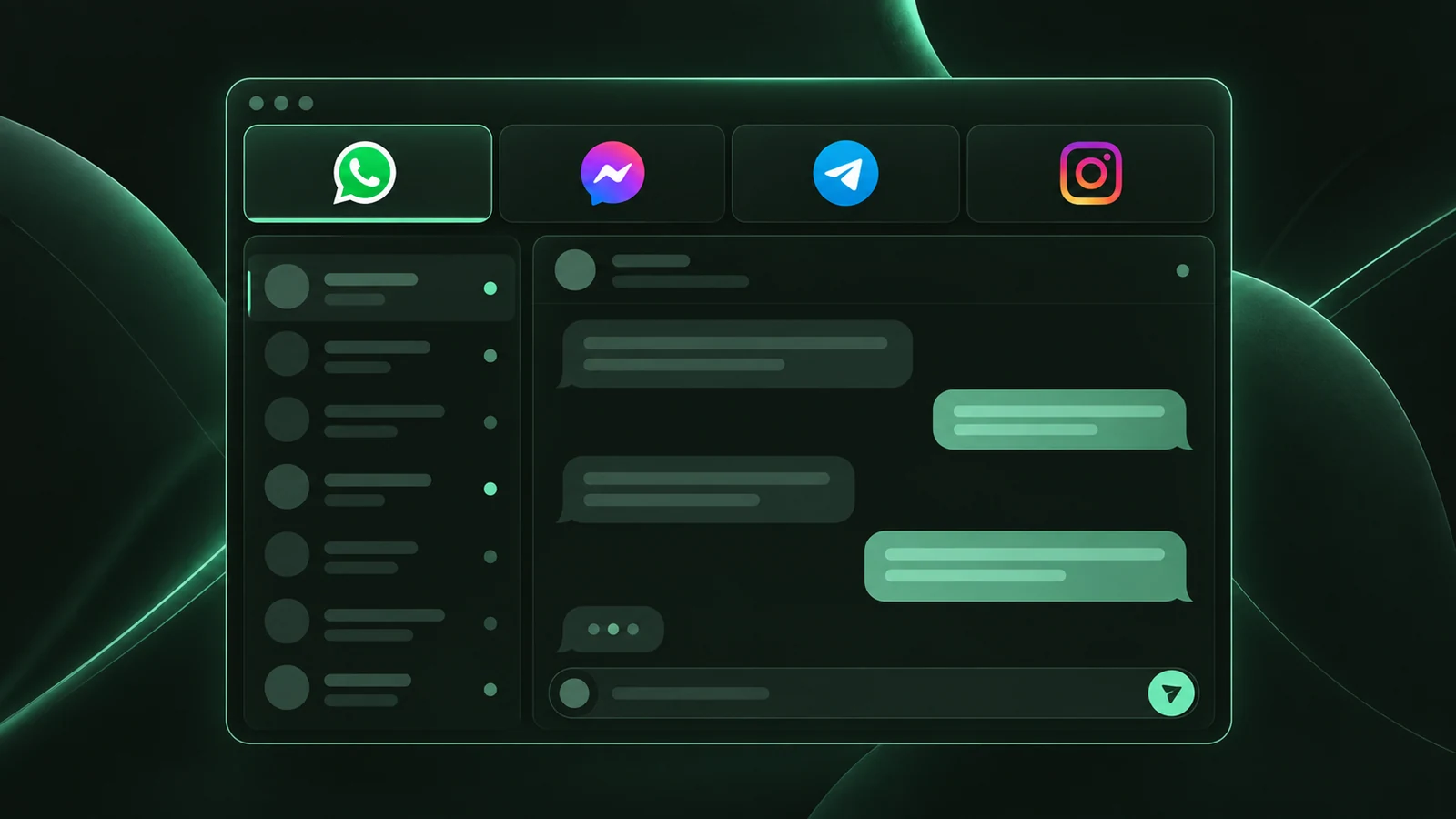
Your messaging apps in one cockpit.
WhatsApp, Messenger, Telegram and Instagram in tabs inside PostShell. Enable each service at your own pace, with its own session and notification settings.
Explore accounts and messaging ↗Give your email a voice.
Connect a speech model and hear a short summary when email arrives. Choose which accounts have voice notifications enabled.
Explore voice notifications ↗Decisions inside your automations.
Use decision models such as JEV to evaluate your criteria and route email through your workflows, including when you process many messages.
Explore automations ↗Before you choose PostShell
- GmailOAuth · Gmail API
- Microsoft Outlook · Hotmail · LiveOAuth · Connection approved by Microsoft
- Available for Windows x64 and ARM64. macOS and Linux versions are in development.
- Gmail is available through OAuth and the Gmail API. Other compatible IMAP / SMTP accounts remain supported: connectivity depends on your provider’s authentication requirements.
- WhatsApp, Messenger, Telegram and Instagram require internet access and an account with your chosen service.
- Microsoft accounts (Outlook.com, Hotmail, Live, etc.) are available through an OAuth connection approved by Microsoft. Work or school accounts also depend on your organization’s permissions.
- Scheduled emails, campaigns and automations require PostShell to stay open.
A clear license
- One activated computer at a time. You can transfer your license to another computer.
- Published updates to the purchased major version are included. A new major version may be offered as an optional purchase.
- An internet connection is required for activation and license validation, at least every seven days.
- Email support is available at contact@postshell.fr.
From purchase to your first emails
- Sign in with your email address, then pay for your license on Stripe’s secure checkout page.
- Download the Windows installer for your computer from the Downloads page.
- Install PostShell and activate your license with the account used for purchase. Then configure your compatible email accounts.
Questions about the offer
Is this a subscription?
No. A PostShell license is a one-time purchase. Online AI providers may charge separately for their services.
Is the AI ready to use?
You configure your preferred provider and model: a compatible API with your own key, or a local model through Ollama or LM Studio. Dictation also requires a compatible configured transcription engine.
How do I enable voice notifications?
Configure a summary model and a compatible speech model with a voice in AI settings. Then enable voice playback for the email accounts you choose. A short summary is read aloud when a notification card appears outside PostShell.
Do my emails stay on my computer?
Your email database is stored locally and can be fully encrypted, with password protection. Encryption is optional and protects data at rest; it does not cover messaging sessions or exported files. If you enable online AI, selected content is sent to that provider.
How do I configure security?
Choose database encryption and lock at startup, on demand or automatically. The key can be kept in Windows Credential Manager or protected by your PostShell password. Keep your recovery key safe.
Can I download before buying?
The installer is freely available. The app activates with a license; downloading it does not provide a free trial.
How does payment work?
The offer price is checked before checkout. Any applicable taxes, promotion code and billing information are handled on Stripe. Your invoice is then available in your account.
Where are the full terms?
Sales, licensing, support and warranty terms are detailed in the legal information and terms of sale linked below.